
AGI Point / Learn / Free CapCut alternative
The best free CapCut alternative: OpenCut (open source, in your browser)
Tired of paying for CapCut? OpenCut is a free, open-source video editor that runs right in your browser. Here's what it does, how to make your first edit, and where it's still behind.
Updated October 20, 2026 · by AGI Point
Short answer: the best free, open-source CapCut alternative right now is OpenCut: a video editor that runs in your browser at opencut.app with no account and no install. It's MIT-licensed with about 95K stars on GitHub.
OpenCut at a glance
| Runs in | Your browser (Chrome works best) |
| License | MIT, open source, about 95K ★ on GitHub |
| Costs | $0 |
| Account | Not needed to try |
OpenCut is being rewritten from the ground up. opencut.app runs the current "classic" version, which is the one to use today; the new version is being built at new.opencut.app.
Your first edit in OpenCut, step by step
- Open opencut.app in Chrome and press the button to open the editor.
- Create a project. New project, and pick vertical 9:16 for a reel.
- Bring in your clips: drag videos, photos and music into the media panel.
- Put them on the timeline in the order you want.
- Cut what you don't need: move the playhead, split, select the piece, delete.
- Add text and music: a text layer for the hook, music on its own track, volume low so the voice stays clear.
- Export, choose the quality and save the file.
Honest limits
OpenCut is younger than CapCut: fewer effects, templates and auto-captions. For simple cuts, text and music it's all you need. Projects live in your browser's storage, so keep your source clips.
If something goes wrong
- A video won't import: convert it to standard MP4 (H.264), for example with the free app HandBrake.
- The editor feels slow: close other tabs, use Chrome, trim very long clips first.
- Export takes forever: keep the OpenCut tab open and in front; browsers slow down background tabs.
Looking for other free swaps? See the free alternatives to ElevenLabs, and to Figma, Loom and paid AI upscalers in our free tools guide.
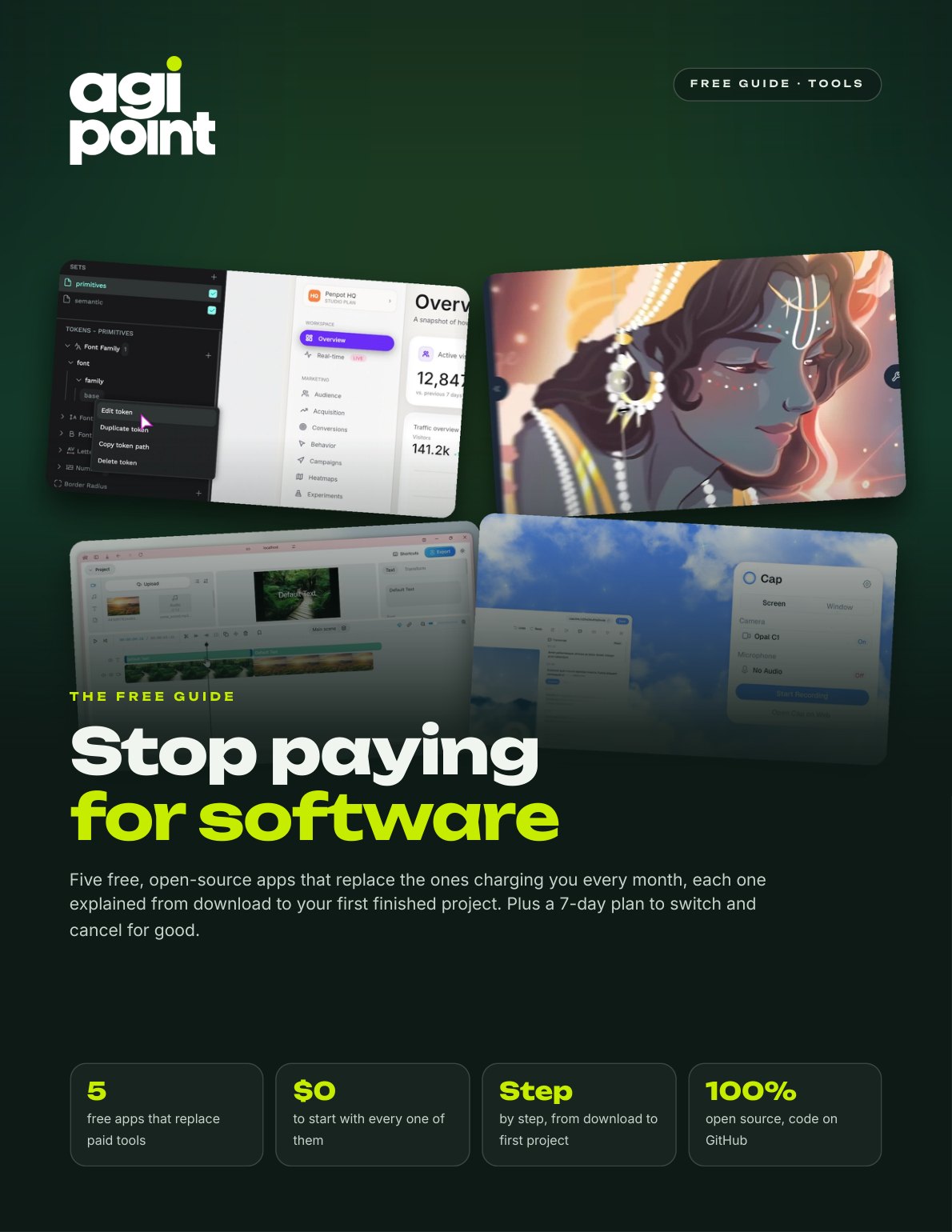
Get the free tools guide
Five free open-source apps that replace CapCut, Figma, paid AI upscalers, Loom and ElevenLabs, each from download to your first project, plus a 7-day switch plan.
Get the free guide →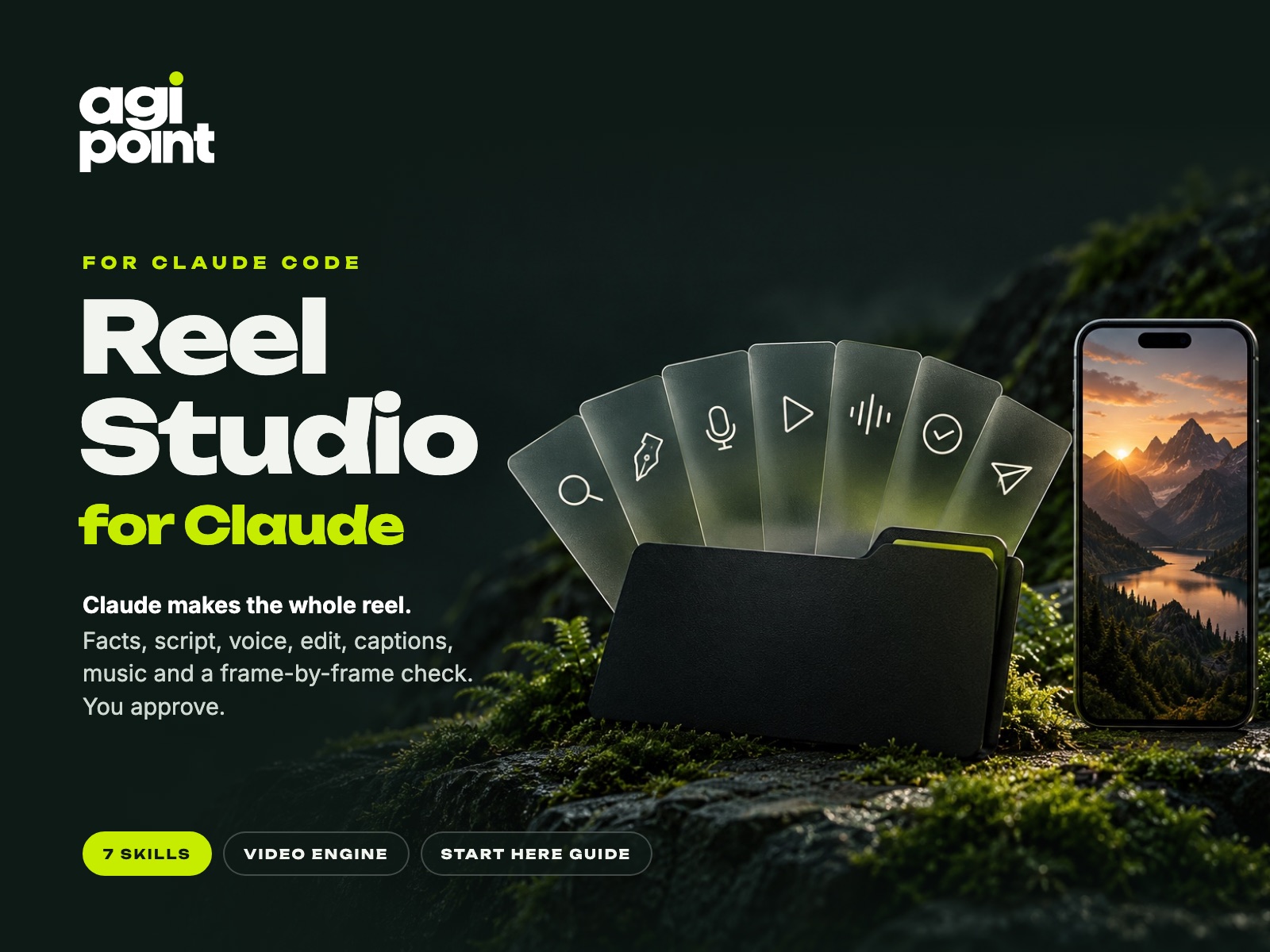
Want Claude to make the whole reel?
Reel Studio: you bring one idea, Claude researches it, writes the script, voices it, edits every shot on its word, adds captions, music and 34 viral sound effects, and checks every frame. ≈50 hours saved. $29.
See Reel Studio →Questions
Is OpenCut really free?
Yes. OpenCut is open source under the MIT license, runs in the browser and costs nothing. You don't need an account to try it.
Is there a free CapCut alternative for PC and Mac?
OpenCut runs in Chrome on Windows, Mac and Linux, so there's nothing to install on either.