
AGI Point / Learn / Make a game with Claude
How to make a game with AI (Claude), step by step
You don't need to know how to code to make a game anymore. You tell the AI what you want in normal words, it writes the code, and your browser turns that code into a 3D game you can play. Here's exactly how, with the prompt we use.
Updated October 20, 2026 · by AGI Point
Short answer: open Claude (free at claude.ai), paste one detailed prompt that describes your game and the rules for the code, play the result in the preview panel, then fix and improve it one change at a time. Your first playable 3D game takes about 15 minutes and no coding.
What you need
- Claude. The free plan works for your first game. Claude Pro ($20 a month at the time of writing, see claude.ai/pricing) unlocks Opus, the model Anthropic recommends for serious coding.
- A browser. Chrome, Safari or Edge draw the 3D world. Nothing to install.
- 15 minutes. No coding background needed: you describe the game in normal words, the AI writes the code.
How it works in plain words
You write a prompt: a few plain sentences about your game. Claude writes the code, a set of instructions for the computer that you never have to read. Your browser runs that code and draws the 3D world. That's the whole loop: describe, play, ask for changes.
The games in this tutorial use JavaScript with three.js, a free 3D library. It runs in any browser, the whole game is one file, and a link is all your friends need to play.
Step 1. Make a folder for your games
Mac: open Finder, go to Documents, press Cmd + Shift + N and name it my-games. Windows: open File Explorer, Documents, right-click → New → Folder. Every game gets its own folder inside it, like my-games/coin-island.
Step 2. Paste this prompt into Claude
A good prompt answers six questions: the idea, the goal, the controls, the screens, the look and the technical rules. "Make me a cool game" leaves the AI guessing; this one doesn't:
Make me a small 3D game I can play in my web browser.

The game: I'm a little explorer on a tropical island. 10 gold coins are scattered around. I have 60 seconds to collect all of them.

Rules for the code:
- Everything in ONE file called index.html: HTML, CSS and JavaScript together.
- Use three.js version 0.186.1 from cdnjs.cloudflare.com with an import map. No other libraries, no image or sound files: build every object from simple shapes and colours.
- Controls: WASD or the arrow keys to move, Space to jump. The camera follows the player from behind.
- On screen: the coins collected, the seconds left, and a short "how to play" line.
- A start screen with a Play button, and a win or lose screen with Play again.
- Bright, friendly colours, soft shadows, palm trees, rocks and waves on the sea. Smooth 60 frames per second.

When you're done, tell me in 3 short lines how to play and what I could add next.
Step 3. Play it
- Wait 1 to 5 minutes. Claude writes the code in front of you. Let it finish, even if it looks long.
- Click inside the game, press Play. The game appears in a panel next to the chat. Click inside it first so it "hears" your keys, then try W A S D and Space.
- Check the basics. Can you move? Do coins disappear when you touch them? Does the timer count down?
Step 4. Save it
At the top of the preview there's a download or copy button: save the file into your game folder as index.html. Double-click it and the game opens in your browser.
Step 5. Make it better, one change at a time
The golden rule: one change per message. Play 30 seconds, ask for one thing, save a new version if you like it. When something breaks, tell Claude three things: what you did, what you expected, what happened. If the screen goes black, open the browser console (Mac: Cmd + Option + J in Chrome) and paste the red lines to Claude.
Three upgrades that make the biggest difference: sound (sound effects made in code with the Web Audio API, no files needed), juice (a sparkle and a little camera shake when you pick something up) and phone controls (an on-screen joystick so it plays on a phone).
Step 6. Share it with a free link
Open app.netlify.com/drop, drag your game folder onto the page and you get a link like something.netlify.app that works on any phone or computer. Then record 15 seconds of gameplay: "I built this game with one prompt" is a video people love to share.

Get the free step-by-step PDF
The full free guide: which plan and model to pick, the exact prompts, how to fix bugs, share a free link and make it cheaper with DeepSeek. Sent to your inbox.
Get the free guide →Which AI model is best for making games?
For browser games, the biggest jump comes from the model. Claude Opus builds the most polished games and handles long projects best. Cheaper models are fine for quick experiments: see our guide to running Claude Code on DeepSeek, where the same small game costs cents. Want to see what's possible? Look at games people built with Claude Opus 5.5: a Dark Souls-style RPG, Minecraft in the browser and a Fortnite copy.
Going further: Claude Code, Unreal and Unity
The chat is perfect for a first game. For real projects, Claude Code works inside your game folder: it saves files itself, runs the game, reads errors and fixes them. For engine games, Claude can now drive the editor directly: see how to connect Claude to Unreal Engine 5.8 and the official Unity plugin for Claude.
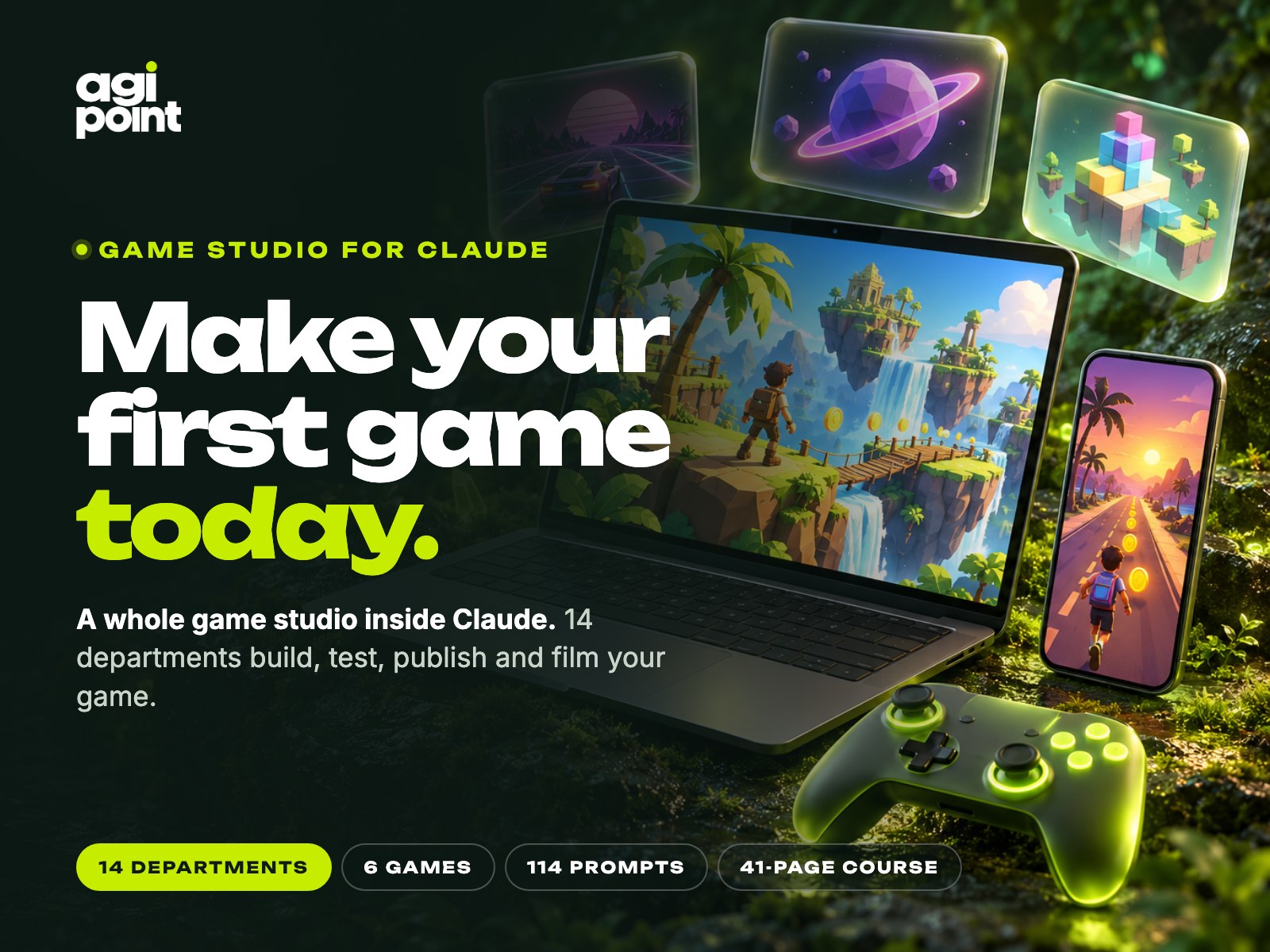
Want Claude to build the whole game for you?
Game Studio turns Claude into a game studio: 14 AI departments, 6 ready 3D games to remix, a real browser that tests every change, publishing to itch.io and a vertical trailer. ≈140 hours saved. One payment, $39.
See Game Studio →Questions
Can I make a game with AI for free?
Yes. Claude's free plan is enough for a small 3D browser game like the one above, and hosting it on Netlify Drop is free. Paid plans give you more messages and the strongest models.
Do I need to know how to code?
No. You describe the game in plain words and the AI writes and fixes the code. Knowing what to ask for (the six parts of a good prompt) matters more than coding.
Can Claude make 3D games?
Yes. With three.js Claude builds real 3D games that run in the browser, with lights, shadows, physics-like movement and particle effects. For full engine games it can work inside Unreal Engine and Unity.
Is the game mine?
Yes, the code Claude writes for you is yours to use, share or sell. Just don't copy other people's characters, names or brands.